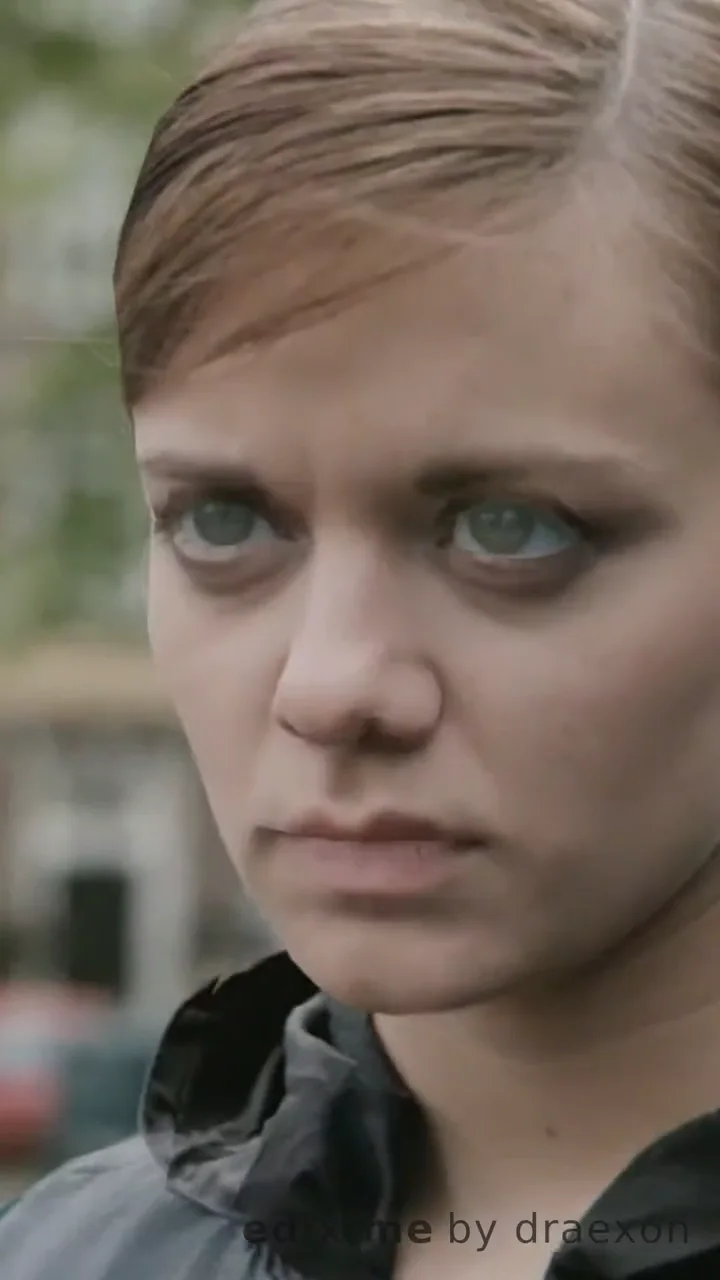
Liquid Glass
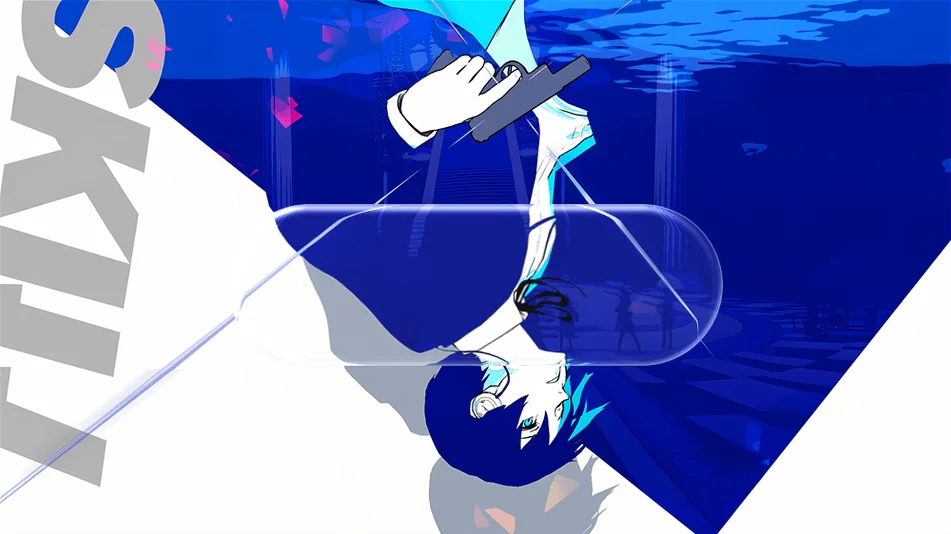
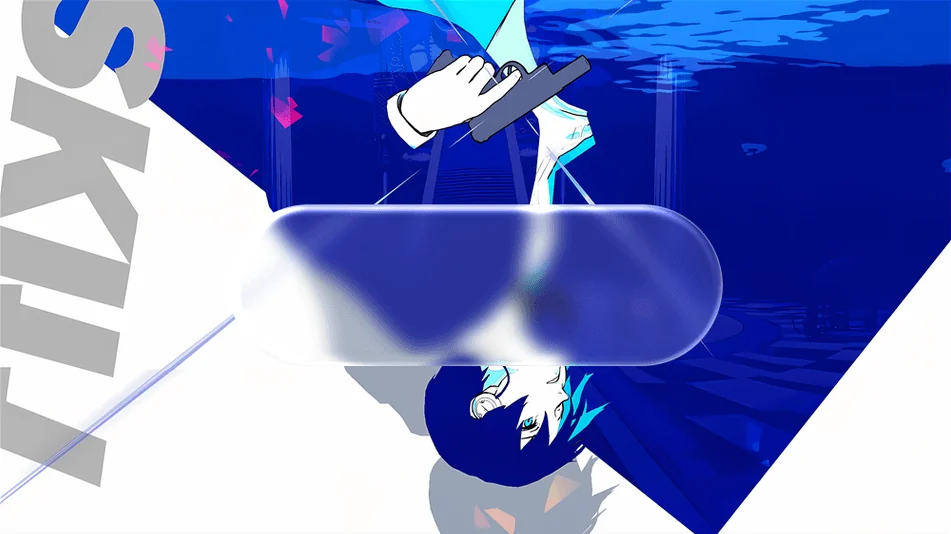
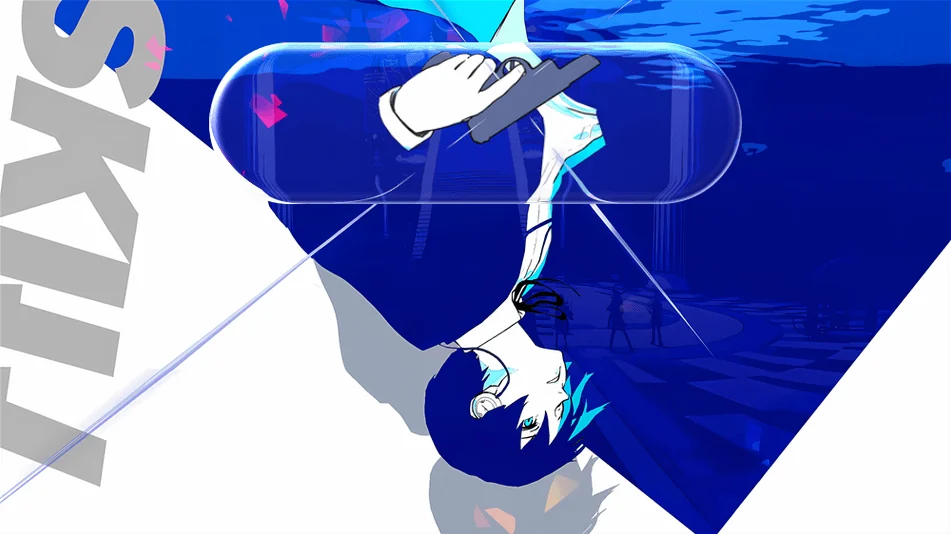
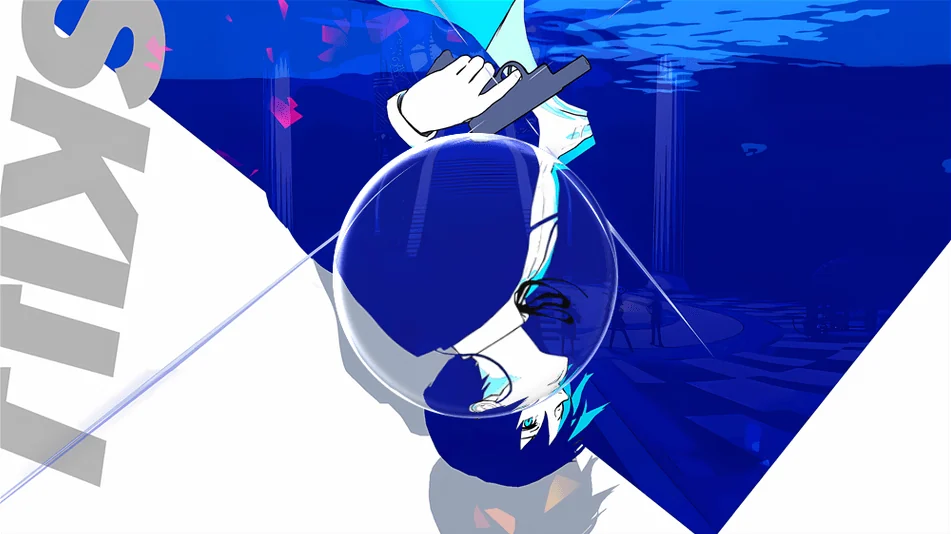
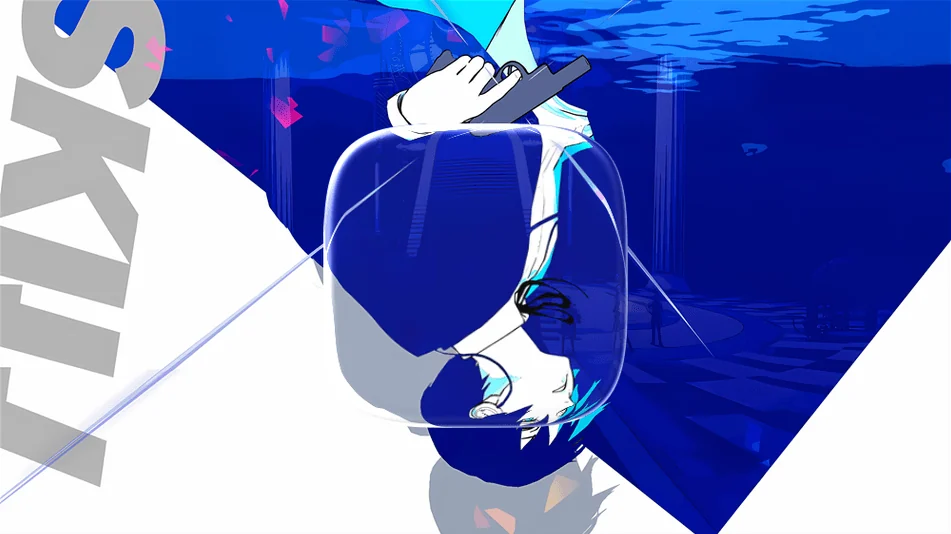
Refraction, frost and dispersion on any layer, inside After Effects.
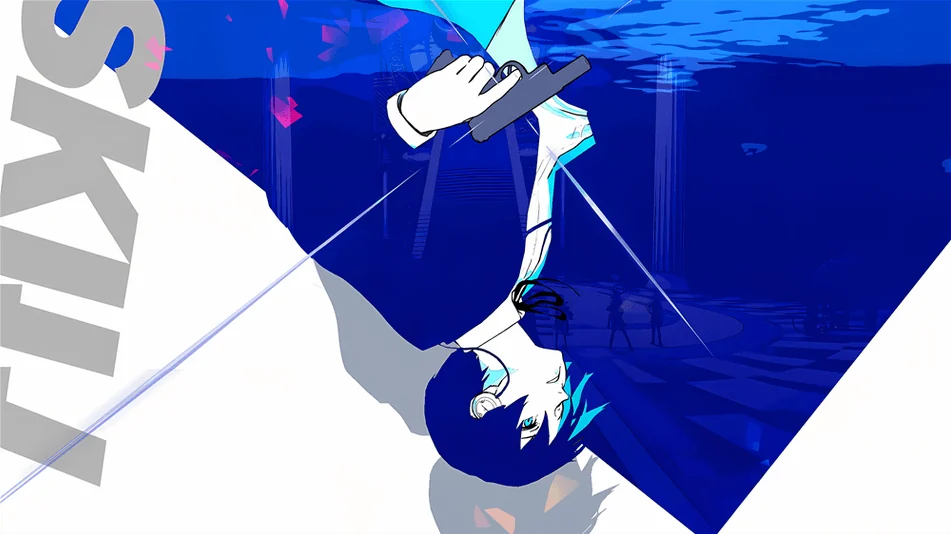
Apply Liquid Glass to a layer and adjust its shape, refraction, colour and lighting in Effect Controls. Use the layer's outline or a built-in shape, and choose a background layer for the glass to refract. It installs as a single compiled .aex effect.
Not on sale yet. Free for the first 5 people with a code.
- Version
- 1.2.0
- Ships as
- LiquidGlass.aex
- Imports
- KERNEL32.dll only
- Redistributable
- None needed
Free for the first 5.
Before it goes on sale, a few people get it free with a code. When the copies are gone, the form closes.
Before Liquid Glass goes on sale I am giving out one code. The first 5 people to use it get the full effect, free, not a trial. When 5 copies are claimed the code stops working.
5 copies
Renders
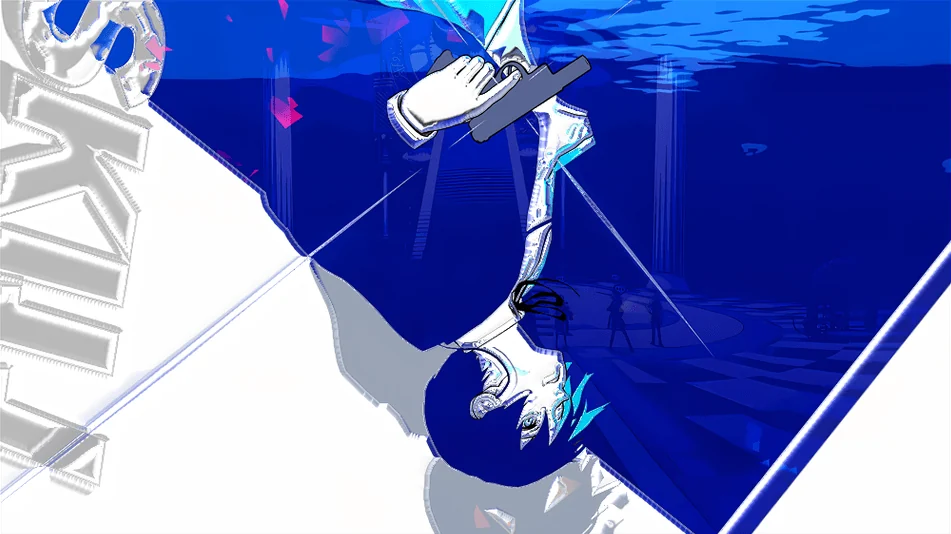
Frames rendered in After Effects with the plug-in, plus the diagrams from its documentation.
Every control, as it ships.
41 controls in 6 groups, with the names compiled into the .aex. Drag a blue value sideways to scrub it, Shift for big steps.
- Glass ShapeAuto
- Shape LayerNone
- BackgroundNone
- Center960.0, 540.0
- Width820.0
- Height460.0
- Corner Radius42.0%
- Squircle Power4.0
- Rotation0x +0.0
- Edge Softness1.0
- White Threshold70.0%
- Luma Softness10.0%
- Invert Shape
- Amount52.0
- Bevel Width24.0
- Bevel Profile2.4
- Edge FalloffLens (Apple)
- Dispersion6.0
- Magnify0.0
- Invert Refraction
- Frost0.0
- Glass Color#FFFFFF
- Color Amount0.0%
- Fill Opacity0.0%
- Brightness0.0
- Saturation100.0
- Contrast0.0
- Light Angle0x +135.0
- Light Elevation42.0
- Highlight68.0
- Highlight Spread30.0
- Rim Light55.0
- Rim Width2.0
- Inner Shadow24.0
- Highlight Color#FFFFFF
- Stroke0.0%
- Stroke Width1.0
- Stroke Color#FFFFFF
- RenderFinal
- QualityHigh
- Opacity100.0%
It is an effect, so it goes anywhere in the stack.
Compiled against the After Effects SDK, so it sits in the effect chain and composites against whatever alpha exists at that point. Put it before a blur or after one and the result changes, the way it should.
Auto reads the layer and picks a shape.
A shape layer, text or a logo becomes glass along its own outline. A layer that fills the frame is treated as a backdrop, and you get a panel of glass to move and size. You can override it, but you usually will not need to.
Dispersion is what sells it.
Red, green and blue refract through slightly different glass, so the rim carries a real colour fringe. Edge Falloff runs a Lens (Apple) dome by default rather than a linear ramp, and that curve is why it reads as glass instead of as a distortion.
White becomes glass.
Set Glass Shape to This Layer Luma and bright areas of the artwork turn to glass while darker ones stay put. Built for white UI mock-ups and text, where masking each element by hand is the alternative.
Requirements
- After Effects 2022 or newer. Built against SDK 25.6, tested on 2024 and 2025.
- Windows 10 or 11, 64-bit.
- No Visual C++ redistributable. The effect is statically linked and imports only KERNEL32.dll.
- No macOS build yet. The source is written to build universal, but it has never been compiled or tested on one, so nothing is sold for it.
Changes
1.2.02026-09-02
- Added Squircle Power, so the shape can match Apple's icon curve
- Lens (Apple) edge falloff is now the default
- Fixed a rim-light seam at Bevel Width below 4px
1.1.02026-08-20
- White = Glass modes driven by layer luma
- Quality popup replaces the old sample-count slider
1.0.02026-08-13
- First release
Questions
Something else? Ask support.
Posting something made with Liquid Glass? Tag @draexon on Instagram or @draexon_ on X. I would love to see it.